> For the complete documentation index, see [llms.txt](https://docs.startdeliver.io/llms.txt). Markdown versions of documentation pages are available by appending `.md` to page URLs; this page is available as [Markdown](https://docs.startdeliver.io/use-cases/use-case-onboarding-automation.md).
# Use case: Onboarding Automation
Getting a customer set up is easy. Getting them to their first success is the actual job.
**The situation**
Most onboarding programs are built around the vendor's process, not the customer's outcome. There's a kickoff call, a series of setup tasks, a training session, and then a handoff to the CSM. The customer is technically onboarded. But are they successful?
The distinction matters enormously. A customer who completes onboarding but never reaches their first meaningful outcome — the moment where they can clearly see that your product is working for them — is already on the path to churn. They've invested time and effort. They've set up the tool. And nothing has noticeably changed in their business yet. The clock is ticking.
The other failure mode is inconsistency. When every CSM runs onboarding differently, some customers get a great experience and some don't. The quality of your onboarding shouldn't depend on which CSM a customer is assigned to.
***
**The approach**
Good onboarding has a clear destination — the customer's first success — and everything in the onboarding program is designed to get them there as quickly as possible.
This means the onboarding plan starts with a question: what does success look like for this customer at 30, 60, and 90 days? Not generic platform milestones. The specific outcome this customer is trying to achieve with your product. A CRM company's customer might define success as their sales team running their full pipeline in the tool within 30 days. An HR company's customer might define success as their first hire closed entirely through the platform within 60 days. The onboarding plan is then built backward from that outcome.
The second principle is shared accountability. Onboarding fails most often not because the vendor doesn't deliver, but because the customer doesn't complete their part of it. When the plan is only visible to your team, the customer has no visibility into what's expected of them and when. Shared visibility changes the dynamic — both sides can see what's done, what's pending, and what's at risk of slipping.
The third principle is standardization with flexibility. You need a consistent structure so every customer gets a great experience, but you need enough flexibility to adapt to each customer's specific situation. Templates give you the structure. Shared Space gives you the collaboration layer. Goals give you the outcome anchor.
***
**How to do it in Startdeliver**
**Build a standardized onboarding template**
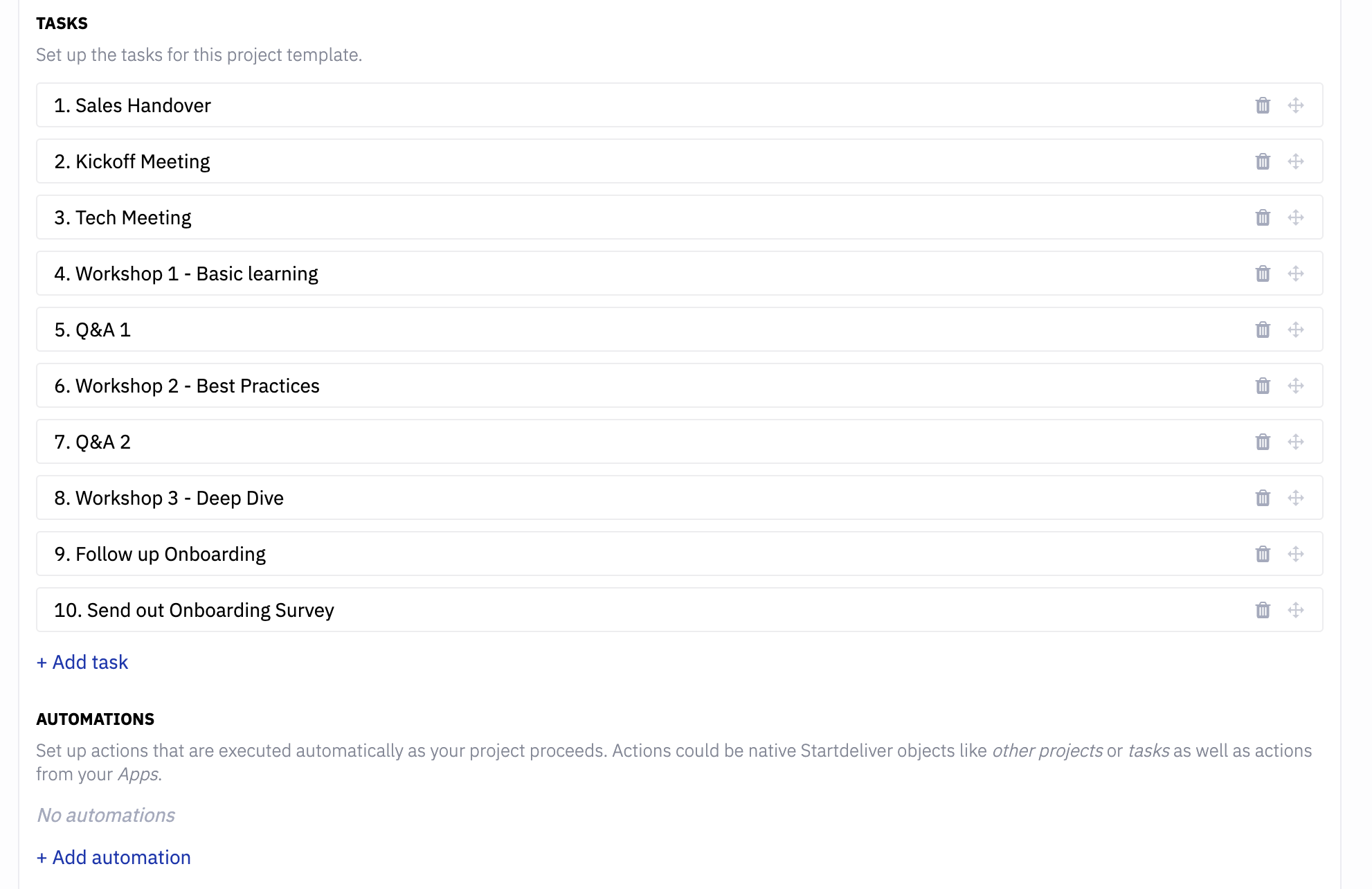
Create a project template for onboarding that contains every task your team and the customer need to complete — with snooze days so each task appears at the right moment rather than all at once. The template should reflect the fastest path to the customer's first success, not an exhaustive list of everything that could be configured.
Define what "onboarding complete" means. Either the final task triggers project completion automatically, or completion is marked manually at the kickoff of the adoption phase.
→ [Templates & projects](/platform-settings/templates-and-projects.md)
**Set an onboarding goal**
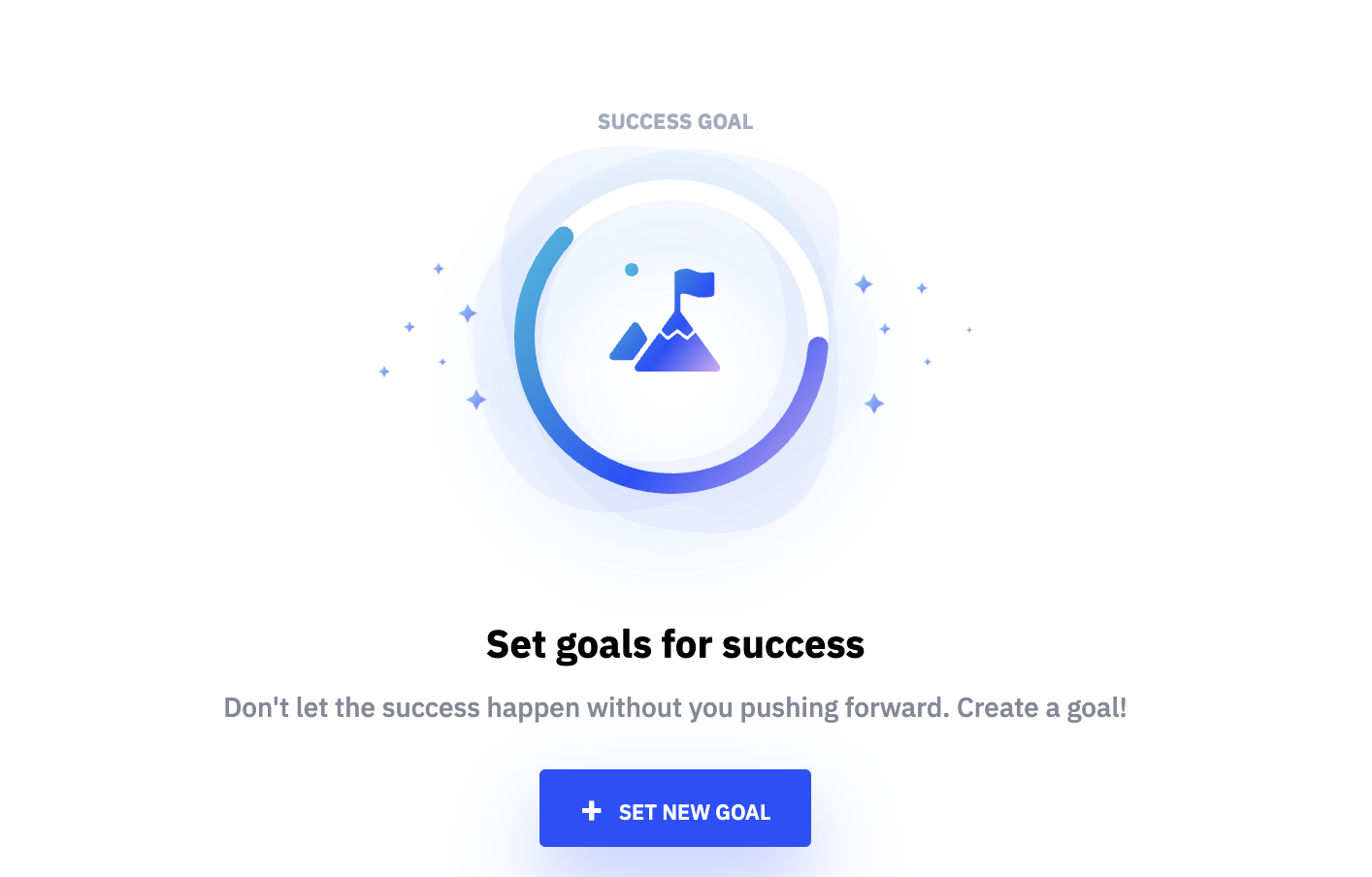
Create a Customer Goal for the onboarding period — the specific business or adoption outcome this customer is trying to reach. Link it to the onboarding project and the key tasks within it. This keeps the team and the customer oriented toward the outcome, not just the task list.
→ [Customer Goals & Success Plans](/managing-customers/customer-goals-and-success-plans.md)
**Launch Shared Space from day one**
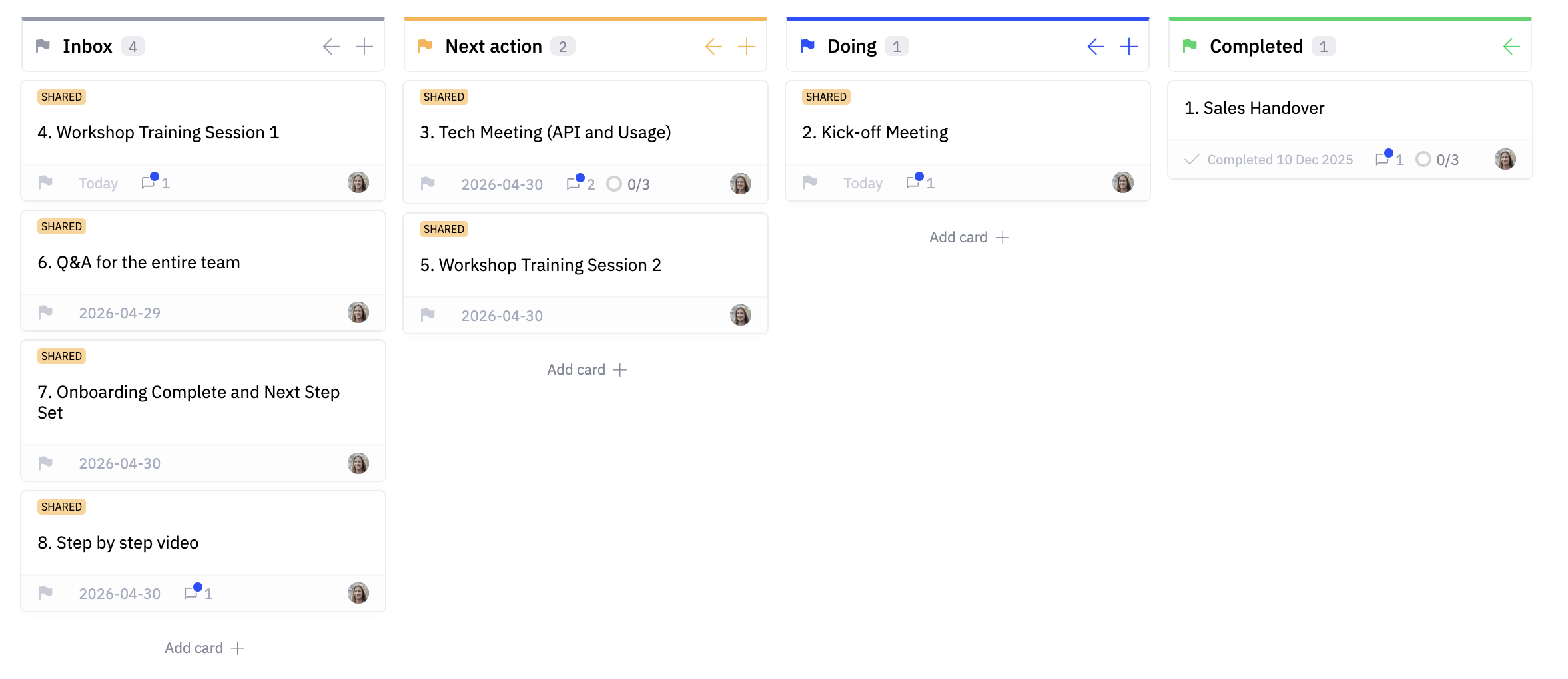
From the moment the onboarding project is created, invite the customer's key stakeholders to Shared Space. They can see the full onboarding plan, their assigned tasks, progress toward the goal, and any files or resources your team shares. They can comment, ask questions, and mark their tasks done — without needing to email their CSM for a status update.
Shared Space changes the onboarding dynamic. The customer is a participant, not a recipient.
→ [Setting up Shared Space](/managing-customers/shared-space/setting-up-shared-space.md)
**Track adoption in real time**
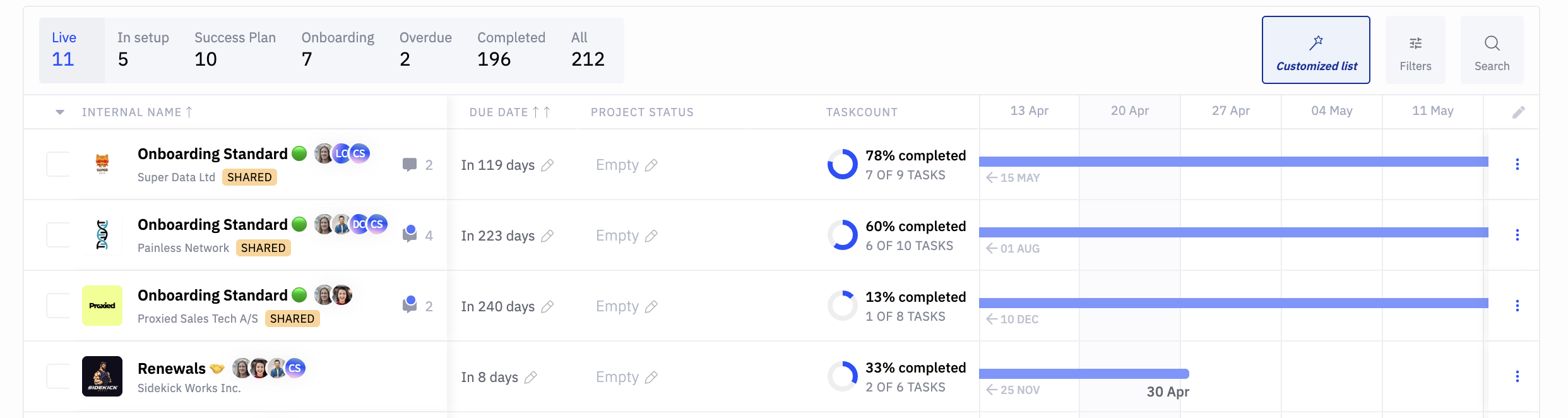
As the customer's users start engaging with your product, product usage health updates automatically. Your CSM can see on day 15 whether users are activating at the rate needed to hit the 30-day goal — and intervene early if adoption is behind rather than waiting until the goal is missed.
→ [Product usage health](/health-and-metrics/product-usage-health.md)
**Automate the routine touchpoints**
Configure automations to handle the things that happen on every onboarding — a welcome message when the project launches, a check-in task at day 14, a celebration message when the first milestone is hit, a flag to the CSM if a task goes overdue. These touchpoints don't need to come from the CSM every time. They need to happen consistently.
→ [Automations](/managing-customers/automations.md)
**Chain onboarding into adoption automatically**
When onboarding completes, automatically launch the next project — the adoption phase, the first Business Review, or whatever comes next in your customer journey. The customer moves from one phase to the next without a gap, and your CSM gets a task prompting them to review the onboarding outcomes before the next conversation.
→ [Templates & projects](/platform-settings/templates-and-projects.md)
**Scale with Jecta**
For large onboarding volumes — or for customer segments where a high-touch CSM isn't commercially viable — Jecta manages the onboarding motion autonomously. It monitors task completion, sends reminders to customers who haven't completed their steps, updates Shared Space, and escalates to a human CSM when something genuinely needs attention.
→ [Jecta: AI Agent](/jecta-agent-and-ai/jecta-ai-agent.md)
***
**What good looks like**
* Every customer follows the same onboarding structure regardless of which CSM they're assigned to — but the goal and the content reflect their specific outcome
* Customers can see their onboarding progress, their tasks, and their goal without asking their CSM for an update
* Your team knows on day 14 whether a customer is on track to hit their 30-day goal — and acts on that information rather than finding out at day 31
* Onboarding completion triggers the next phase automatically — no customer falls into a gap between onboarding and adoption
* Onboarding at scale doesn't require proportionally more CSMs — templates, automation, and Jecta handle the volume so your team focuses on the customers who genuinely need them